Showing posts with label Ideas. Show all posts

Tuesday, May 9, 2017

#TwitterRollCall

Here's your Twitter Roll Call for the past week....just a number of things I see around the Twittersphere that move me and compel me to share them with you. You can always live vicariously through me, or you can sign up for a Twitter account yourself and start building your PLN!! If you need a bit of Twitter 101, let me know and I'll show you how to get started.

Also, if you just want to stalk around Twitter without signing up for an account, you can do that too! just go to https://twitter.com/search-home and type in any keywords that might be useful to you. You can also search via hashtag.


Ideas & Resources


Monday, April 24, 2017

#Twitter Roll Call

Here's your Twitter Roll Call for the past week....just a number of things I see around the Twittersphere that move me and compel me to share them with you. You can always live vicariously through me, or you can sign up for a Twitter account yourself and start building your PLN!! If you need a bit of Twitter 101, let me know and I'll show you how to get started.

Also, if you just want to stalk around Twitter without signing up for an account, you can do that too! just go to https://twitter.com/search-home and type in any keywords that might be useful to you. You can also search via hashtag.

Ideas & Resources


Things To Ponder


Wednesday, April 19, 2017

Alternative to the Poster & Brochure Project

How many times do we ask students to make posters and brochures in class? How many times have you been asked to make them in real life? Maybe your class rules or reminders posted around the room were created on poster paper a while ago, but your prinicpal rarely asks you to create a poster to demonstrate your knowledge of the California State Standards or a brochure on what your classroom management philosophy is. Or a hand-drawn visual assessment of our favorite students (we all have them, admit it 😜). Unless you're marketing an event or creating a hand out for people at some function, chances are the poster and brochure making skills max out as a Senior in high school.

We can do better. We need to build design skills and have students visualize their learning, yes. But there are many alternatives to this process. Alice Keeler has put together a handy little collaborative, crowd-sourced document to identify different ways of accomplishing the same task. Check the list below (there's a tab at the bottom to see the Poster alternatives) for inspiration and ideas!

Have a great idea you use in the classroom that isn't present on the list? To add to the list, click here: Add to Project List


Link to a larger version of this file


Tuesday, April 18, 2017

#Twitter Roll Call: Ideas, Things to Think About, Resources

Here's your Twitter Roll Call for the past couple weeks....just a number of things I see around the Twittersphere that move me and compel me to share them with you. You can always live vicariously through me, or you can sign up for a Twitter account yourself and start building your PLN!! If you need a bit of Twitter 101, let me know and I'll show you how to get started.

Also, if you just want to stalk around Twitter without signing up for an account, you can do that too! just go to https://twitter.com/search-home and type in any keywords that might be useful to you. You can also search via hashtag.

Ideas & Tips


Things to Think About


Resources


Tuesday, February 14, 2017

Google Drawing: Students Create Memes

Memes...MeeMees...whatevs you call em, students are using them. Ms. Keri Kemble at NU incorporates some great lessons using micro-writing and having students create memes is a great critical thinking activity for students to whittle down a story or concept into a singular image with limited text.

Google Drawing is a G Suite App than can help with this and the great Alice Keeler a heavy weight in the EdTech world, has a great template and step by step process on how to let students create memes to demonstrate their understanding. You set the topic/subject and push out the template and get them to create.

A great wrap up to this activity is to create a Padlet and have students post their work and comment on other's work. You can host the Padlet (through embedding) on your Schoology course or website.

Great for visual learners and those that are having trouble understanding difficult concepts covered in the class.

Check out Alice Keeler's other templates when you get an opportunity, check out her other great resources, and give her a follow on Twitter for great ideas in real time!

If you need help incorporating this into your curriculum, do not hesitate to get in touch with me!

Monday, October 24, 2016

Upcoming PD Offerings Through November!

You can always check the EdTech Professional Development Calendar on this site by clicking the tab up top. I update it weekly (these days)

Upcoming EdTech Playgrounds!!
Come join us for what some people are calling "the most amazing experience of my adult life..." Ok, I may have paid some to say that, but it's a Playground people!! Time to play!!

Wednesday 10/26 @NU 4pm Library Conference Room - Sign Up Here

Wednesday 11/2​ @ BR 4pm Career Center - Sign Up Here

ELL EdTech Resources
This will be a traditional PD Session where I will present EdTech resources to assist you in differentiating instruction for ELL populations. The resources I cover is also beneficial for other populations outside of just ELLs. There will be time embedded in the session for you to explore some or all of the products discussed. All are welcome to attend whether you have ELLs or not.

Wednesday 11/9 @ NU 4pm Venue TBD - Sign Up Here

Google For Beginners
This will be a traditional PD Session where I will present tips and tricks on a number of G Suite Apps (Docs, Slides, Forms, Drawing). There will be time in the sessions for you to develop products and explore the features covered. All skill levels welcomed.

Monday 11/14 @ NU 4pm Venue TBD - Sign Up Here

Wednesday 11/16 @ BR 4pm Venue TBD - Sign Up Here

Formative Assessments
This will be a traditional PD Session where I will present EDTech answers to assessing your students. Shoot some life into your assessments so you can get an authentic understanding where your students are in their development! There will be time in the session for you to build your own assessment to administer the next day if need be! All skill levels are welcome.

Monday 11/21 @ NU 4pm Venue TBD - Sign Up Here

Wednesday 11/30 @ BR 4pm Venue TBD - Sign Up Here

Tuesday, October 11, 2016

Shameless Self Promotion: BR Playin' @ the Playground!

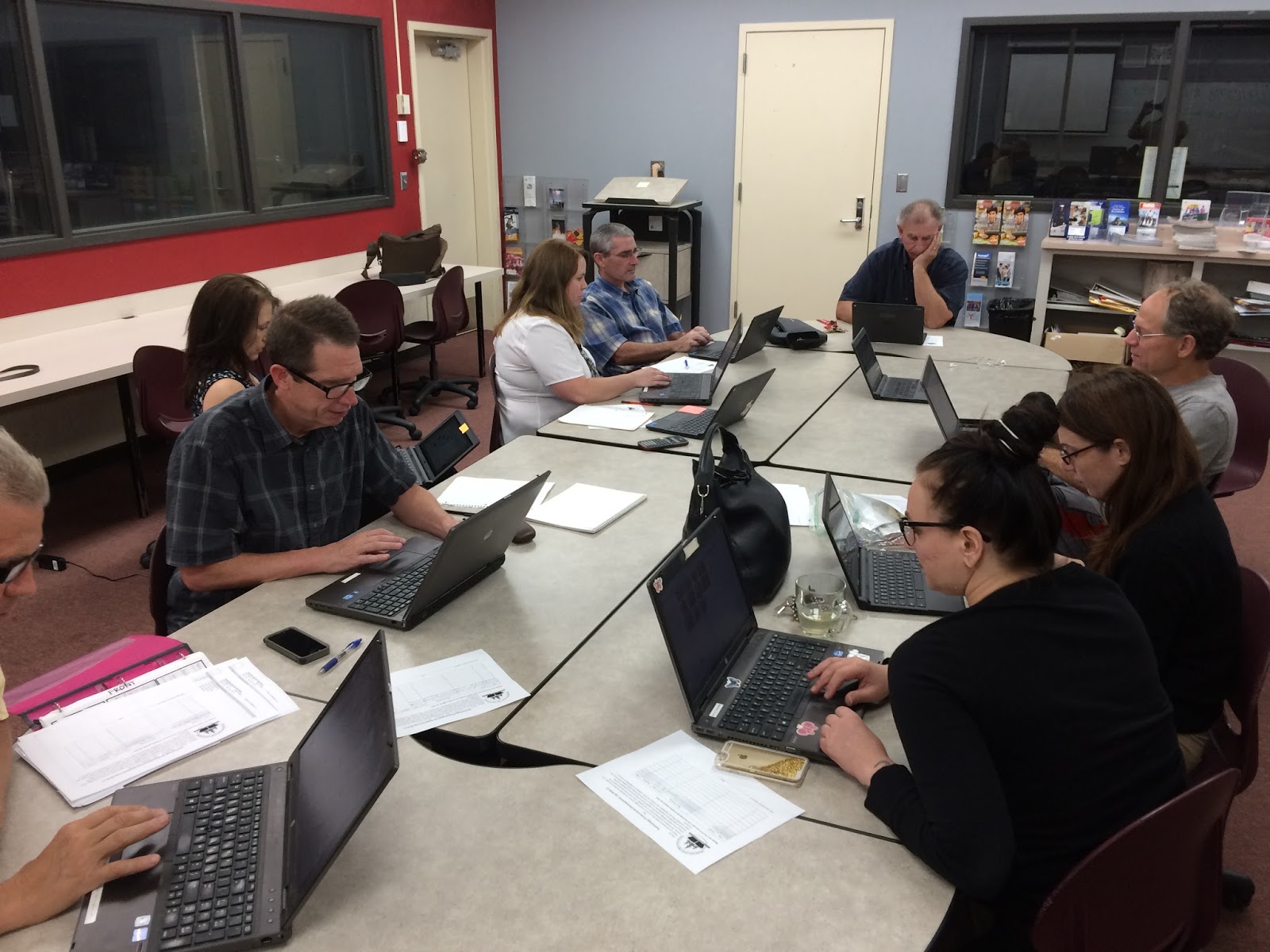
Another successful EdTech Playground took place at BR yesterday as a small group of professionals got around a table and worked diligently on building their EdTech skill set! There were inspirational travel quotes recited by Jeff Carrow, the BR Math Department were working together on Desmos, and the great Duane Zauner even walked out of there with some new arrows in the Tech quiver.

Check out the pics below and also their feedback on the embedded Padlet - a great EdTech tool I've used for Formative Assessments, project turn-ins, back-channel chats, and soooo many other uses.

~Don't forget to sign up for the next EdTech Playground!~
~All sites, all abilities/skill levels are welcome and encouraged to attend!!~

Wednesday Oct 26th @ NU - EdTech Playground - all are welcome - Sign up Here

Wednesday Nov 2nd @ BR - EdTech Playground - all are welcome - Sign Up Here


Made with Padlet

Friday, September 16, 2016

Ideas: 20 Google Apps Activities for Classroom Innovation


DitchThatTextbook is a tremendous resource for the 21st Century Educator. Matt Miller has built an EdTech juggernaught with that site and created a go-to spot for those interested in learning more about integrating technology into one's curriculum. When you get a chance, venture over to his site to get some helpful tips and tricks.

He regularly posts helpful articles focusing on different ideas to incorporate into any classroom. One of those articles focuses on 20 different ways to incorporate Google Apps into activities for the classroom.  One of those activities (HYPERDOCS!!) I will focus on in a post in the future.  For now, get inspired by checking out the below link and think about how you can utilize these in your classroom!

20 Google Apps Activities for the Classroom